How to make a streamer media kit
The numbers sponsors look for, what to put in each section, and how to keep it from going out of date.
What is a streamer media kit?
A media kit is a short summary of your channel for brands: who you are, who watches, how many people watch, and what you can do for a sponsor. It's what you send when you pitch a brand, and what a brand asks for before it replies.
Twitch's own advice is that the best sponsorships fit your content, personality and community, so a good media kit doesn't just show numbers. It shows a brand why your audience is the right one for them.
What numbers do sponsors look for?
Follower counts don't tell a brand much about a stream. These do:
Average concurrent viewers: how many people watch at once, on a normal stream. This is the number most sponsors care about, because it's who will see their segment.
Peak viewers: your best moments, which show your reach.
Hours watched: how much time people spend on your channel each month.
Follower growth: whether you're growing, not just how big you are.
Engagement: chat activity, polls and reactions compared to your viewer count.
Audience: where your viewers are, the languages they speak and what they're into.
Use a recent window, like the last 30 days, and say which window it is. Lifetime totals look big but don't tell a brand what to expect next month.
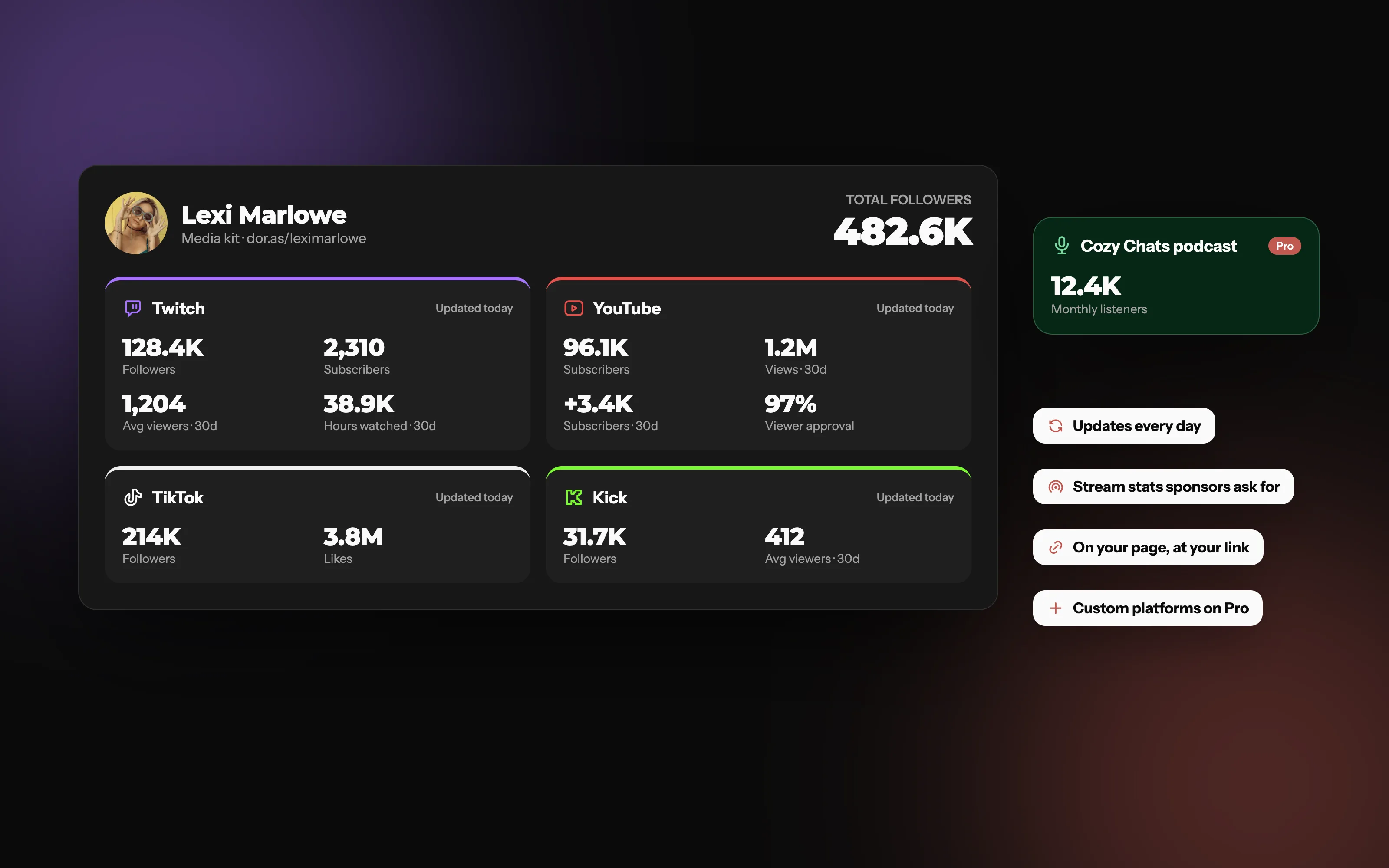
The numbers, from every platform you stream on
30-day average viewers and hours watched for Twitch and Kick, YouTube views and watch time, and your total audience at the top.
What sections should a streamer media kit have?
About you: your name, a photo, what you stream and who it's for, in two or three lines.
Your channels: every platform you're on, with links.
Your stats: the numbers above, with the time window.
What you offer: the kinds of sponsorship you do, like a read-out ad, a sponsored segment, product placement, a sponsored game or an overlay.
Past work: three to five brands you've worked with, with a clip or a result. New to sponsorships? Show a sample of how you'd feature a product.
How to reach you: a business email or a contact form.
How long should it be?
Short. Some creators send a one-page kit, others a few pages, but the stats should be readable in seconds. Many now send a link instead of a PDF attachment, so the brand always sees today's numbers.
PDF media kit vs a live media kit
A PDF is fine until your numbers change. A live media kit updates itself.
| Feature | Live media kit | PDF media kit |
|---|---|---|
| Numbers stay up to date | ||
| Shared as one link | Partial | |
| Easy for brands to check | Partial | |
| Works without an attachment | ||
| Full design control | Partial |
Common media kit mistakes
Lifetime numbers only. Brands want to know what a stream looks like now.
Out-of-date stats. Refresh it every few months, or use one that updates itself.
No contact details. Make it obvious how to reach you.
Too long. If a brand can't find your average viewers in five seconds, it's too long.
Sending it to the wrong brands. A media kit works best for brands your audience already uses.
On Doras, your media kit is a block on your page. Connect Twitch, YouTube, TikTok, Kick, Trovo and X once, and it updates every day with your 30-day average viewers, hours watched and followers gained. Put a form next to it for sponsor inquiries.
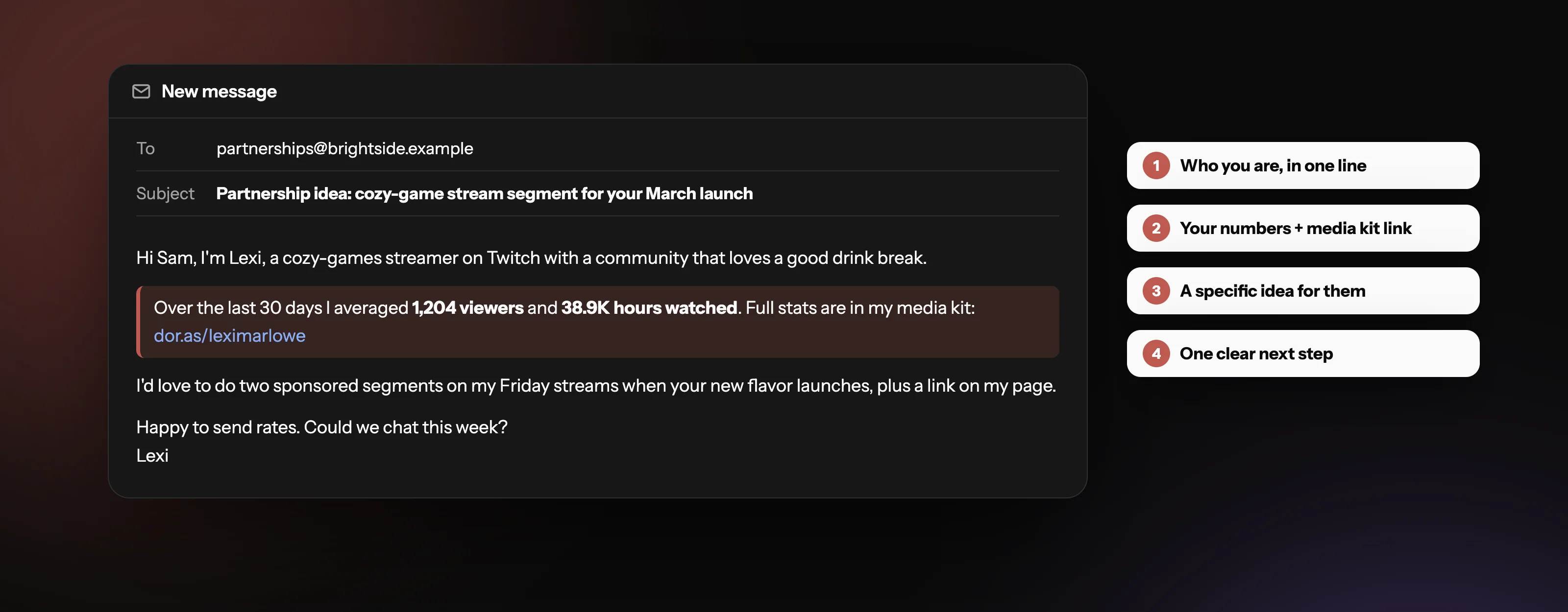
Link it in every pitch
Put your headline numbers in the email and link to your media kit for the rest, instead of attaching a file.
Frequently asked questions
More from Doras
Build a media kit that updates itself
Connect your platforms once. Your stream stats refresh every day.
Get Started