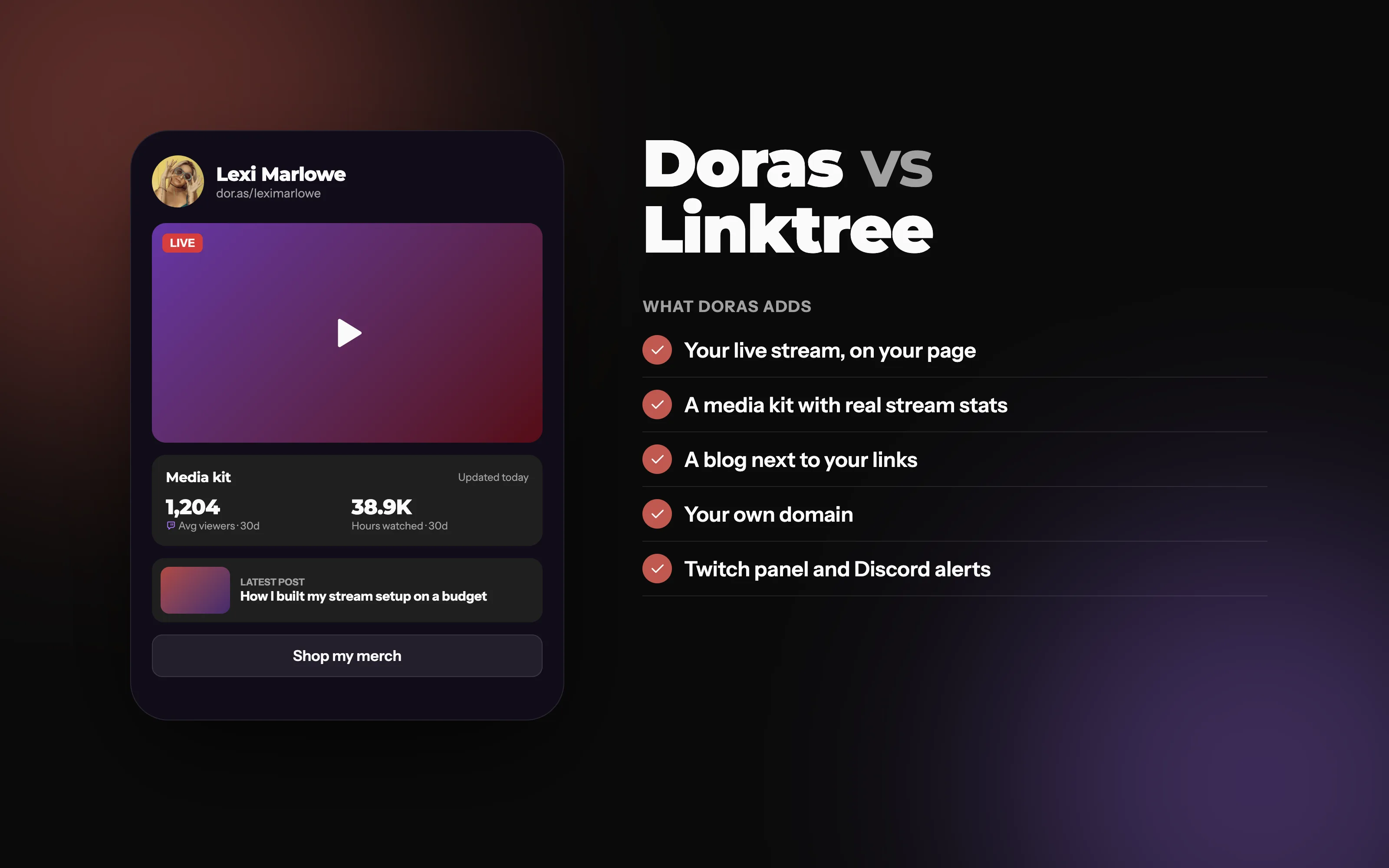
Doras vs Linktree
Linktree gives you a list of links. Doras gives you a page that streams, blogs, shows sponsors your real numbers and works with Twitch and Discord.
What's the difference between Doras and Linktree?
Both give you one link for your bio. Linktree is built around that list of links, with tools for selling products on top. Doras is built for creators who do more than link out: your live stream plays right on your page, your media kit shows sponsors your stream stats, your blog lives next to your links, and your page works with Twitch and Discord.
Who should choose Doras?
Streamers who want their stream on their page and their links under every stream.
Creators who work with sponsors and want a media kit that keeps itself up to date.
Anyone who wants their own address, with a custom domain and branded short links.
Who might prefer Linktree?
If selling digital downloads straight from your link page is the main thing you need, Linktree has more built in for that today. For merch, Doras shows your Fourthwall store right on your page, with checkout in Fourthwall.
Doras vs Linktree, feature by feature
Based on Linktree's own features and help pages as of October 2026.
| Feature | Doras | Linktree |
|---|---|---|
| Twitch live stream on your page | Partial | |
| YouTube and Kick live streams | ||
| Built-in blog with RSS | ||
| Media kit that updates itself | ||
| Stream stats for sponsors (average viewers, hours watched) | ||
| Your own domain | ||
| Custom CSS | ||
| Short links with QR codes and click stats | Page QR only | |
| Form submissions to Discord | Third-party tools | |
| Twitch panel extension | ||
| Discord live alerts | ||
| Team accounts with roles | Partial | |
| Sell merch and digital products | Merch via Fourthwall |
The link in bio built for streamers
On Doras, a live block checks whether you're live every time someone opens your page. When you are, your Twitch, YouTube or Kick stream plays right there; when you're not, it turns into a link to your channel or hides. Add the Doras Twitch extension and the same links show under every stream, and send go-live alerts to your Discord server with your page attached.
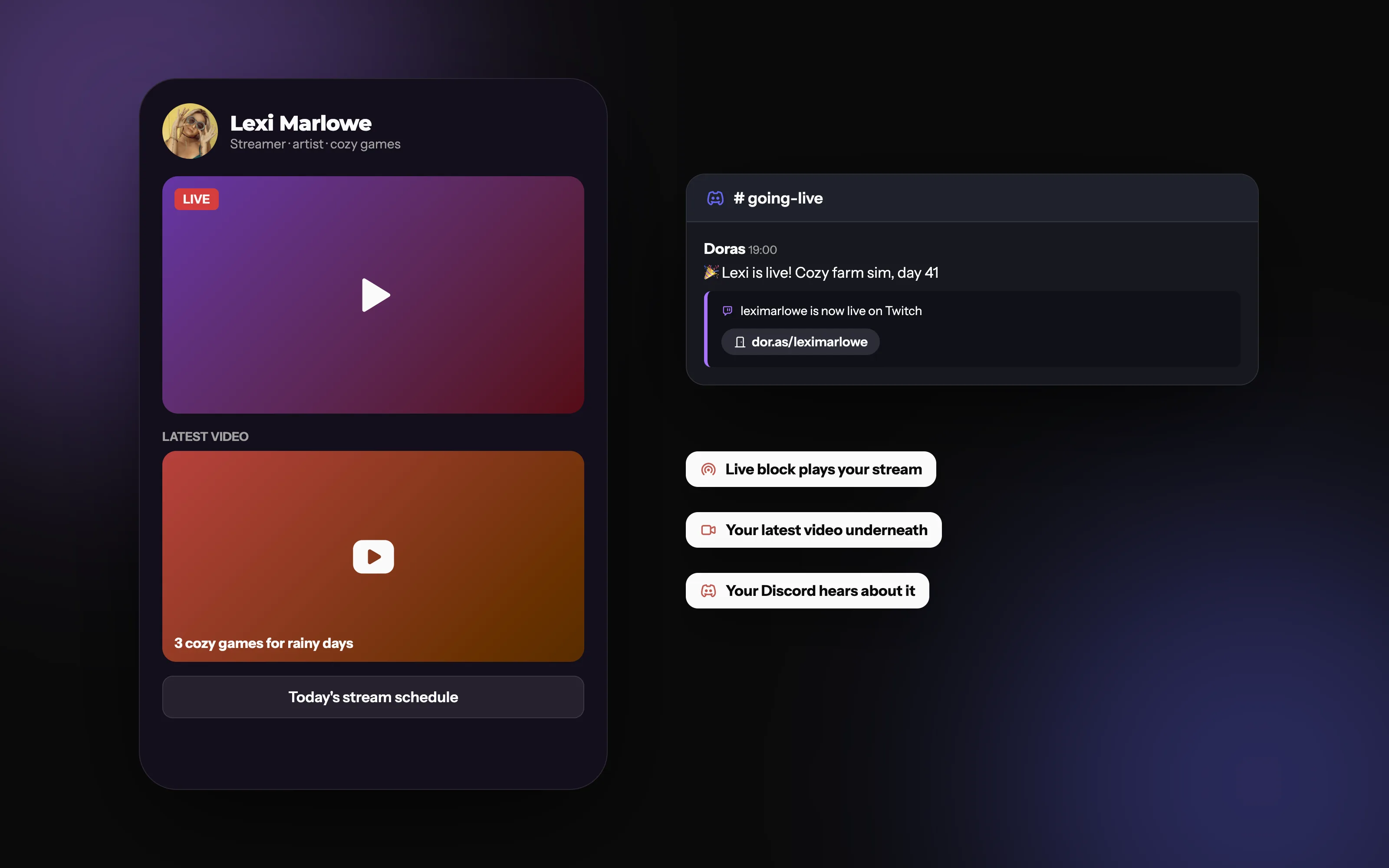
Your page goes live when you do
Your stream on your page, your latest video underneath, and an alert in your Discord, all from one Doras account.
A media kit sponsors can trust
Linktree doesn't have a media kit. On Doras, connect Twitch, YouTube, TikTok, Kick, Trovo and X once, and your media kit updates every day, right on your page. Streamers get the numbers sponsors actually ask for: 30-day average viewers, hours watched and followers gained.
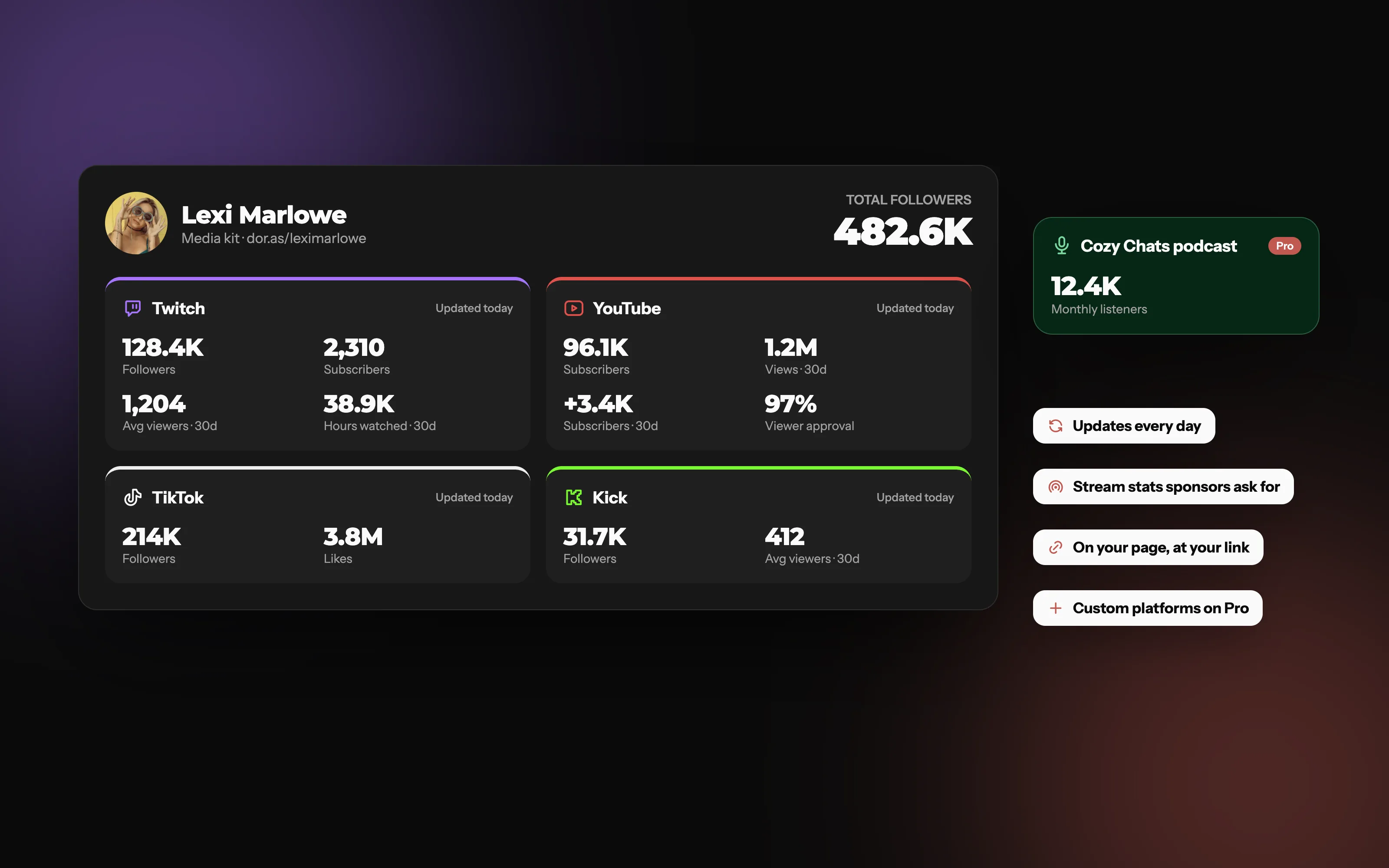
Real numbers, updated every day
Followers, subscribers and 30-day stream stats from every platform you connect, with your total audience at the top.
More than a list of links
A blog on your page. Write posts that sit right next to your links, in your theme, with RSS feeds built in.
Your own address. Linktree doesn't offer custom domains. Doras pages live at dor.as/yourname, and on Plus and Pro on a domain you own.
Short links. yourname.doras.click links with QR codes and stats for every click.
Full design control. Themes, 40+ fonts, and custom CSS on Plus and Pro.
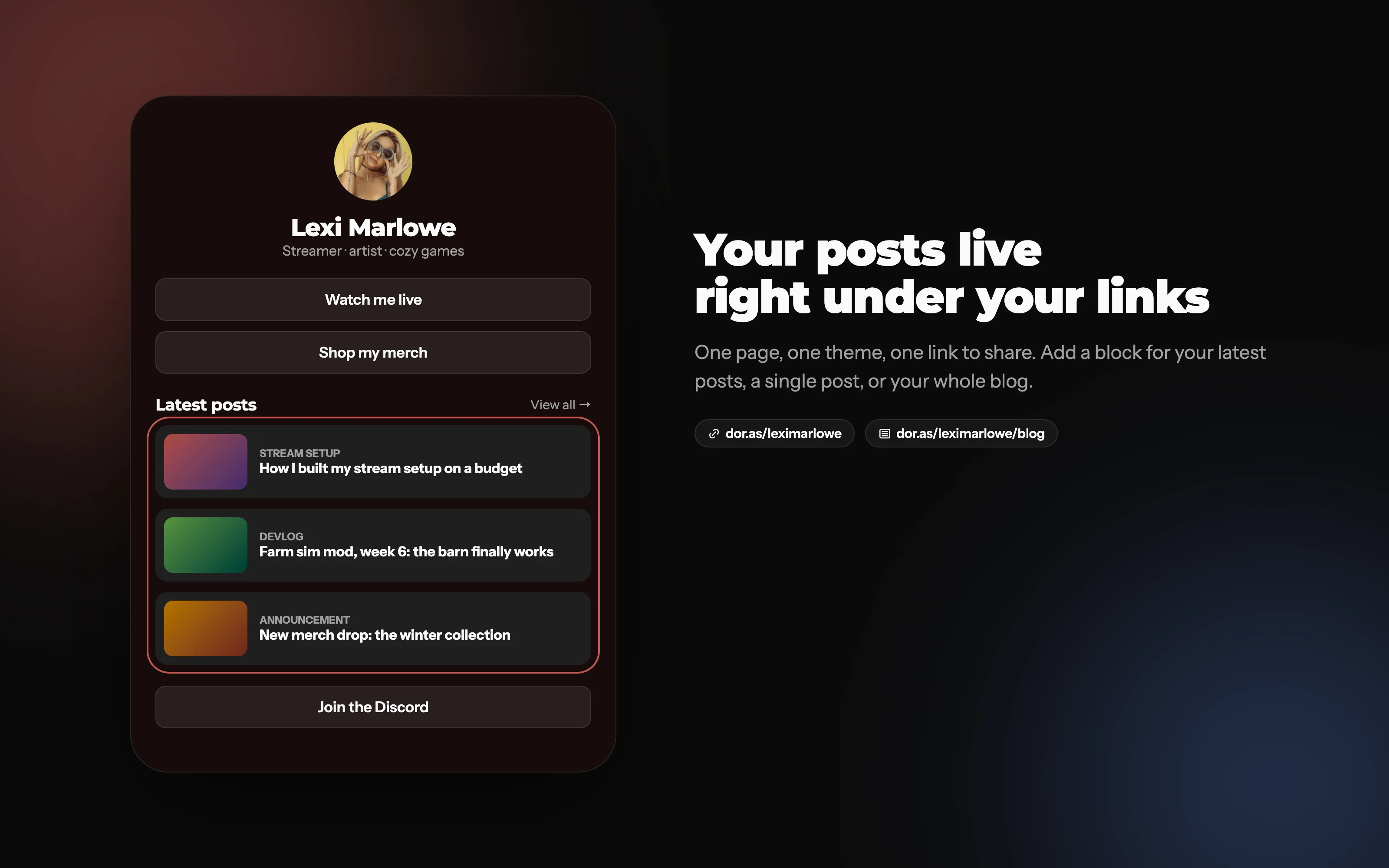
Your posts, right under your links
Add a block for your latest posts. Same page, same theme, one link to share.
How do you switch from Linktree to Doras?
Create your Doras page. Pick a theme or start from one another creator shared.
Add your links, then the blocks Linktree can't do: your live stream, media kit and latest posts.
Swap the link in your bios for your dor.as link. Keep your Linktree until you've moved everything over.
Frequently asked questions
More from Doras
Try the Linktree alternative built for creators
Free to start, with your stream, media kit and blog on one page.
Get Started