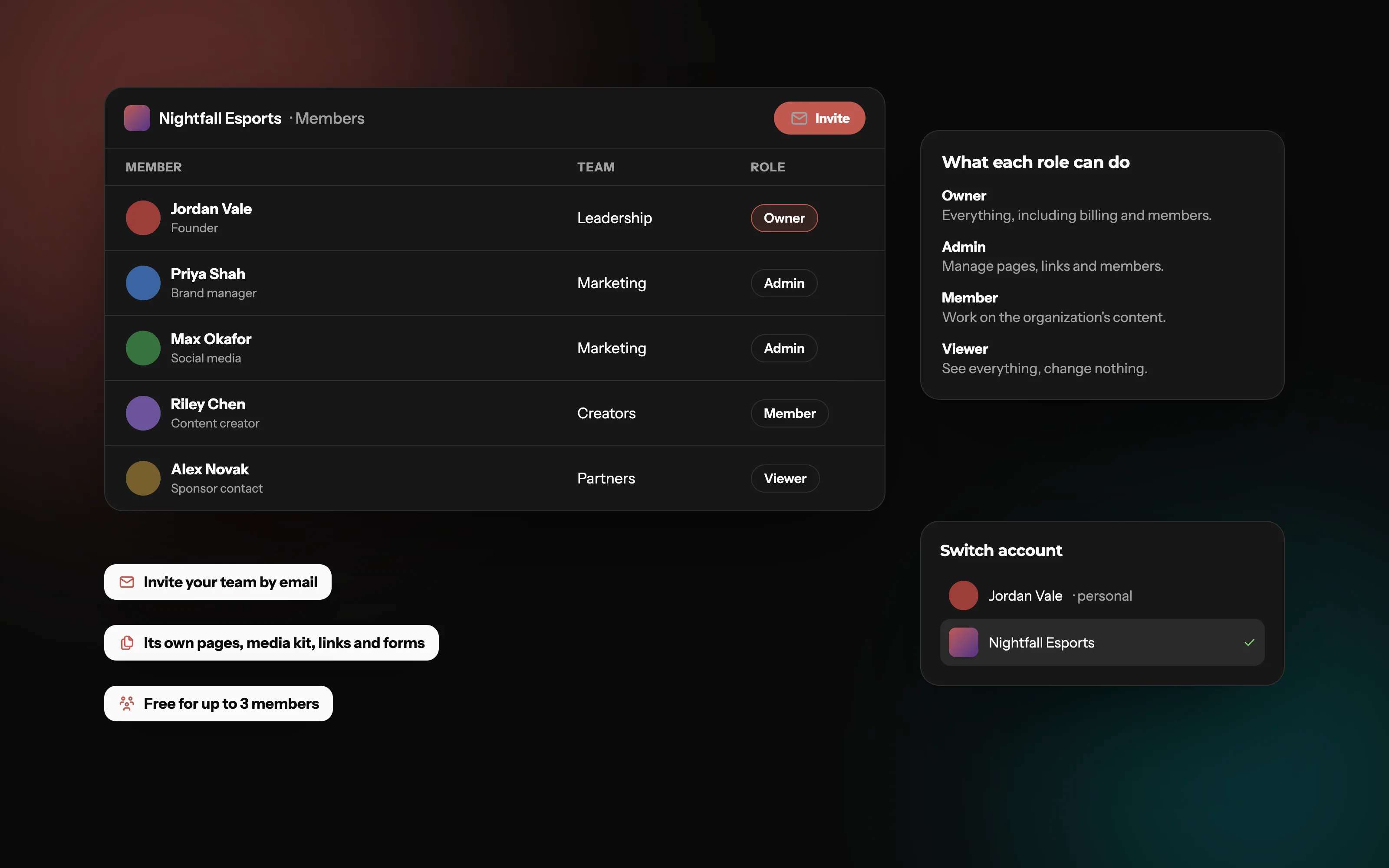
Running a team or brand? Create an organization.
Personal pages are for people. Teams, agencies and brands get an organization: its own pages, shared by the people who run it.
Should a team share one login?
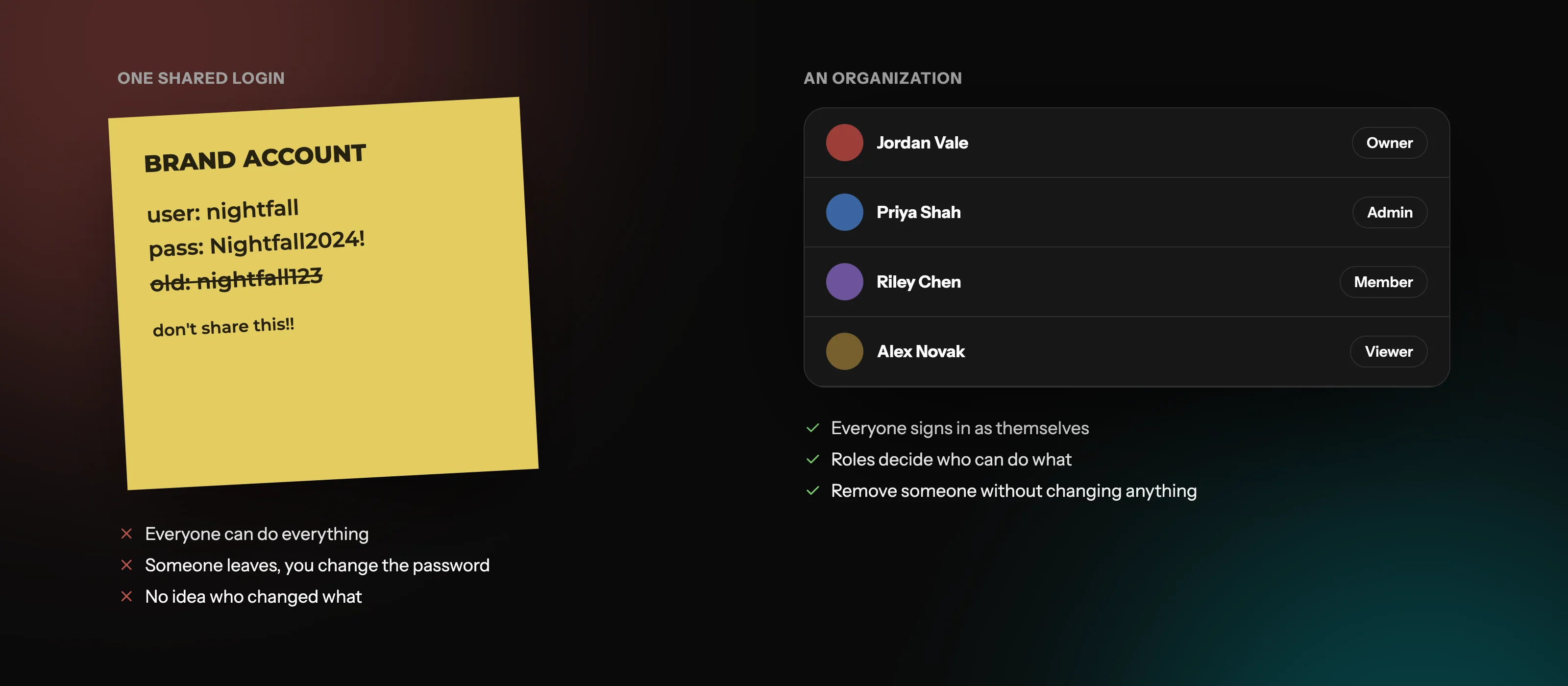
Lots of teams start the same way: one account, one password, passed around in a group chat. It's quick, and it causes problems as soon as more than a couple of people are involved.
Security: the password ends up in chats, notes and browsers you don't control. If one person's device is compromised, the whole account is.
Offboarding: when someone leaves, you have to change the password and tell everyone else. Skip that, and a former member can still log in.
No accountability: with everyone using the same login, you can't tell who changed a link or deleted a page.
Two-factor headaches: codes go to one person's phone, so everyone else is locked out when they're away.
The better setup: each person logs in as themselves, and the team account gives them access.
No more shared password
Invite people by email and give each team a role, instead of passing one password around. Everyone switches between their personal page and the organization from their own login.
What do roles and permissions mean?
Roles decide what each person can do. Most tools use a handful of standard levels, from an owner with full control to a viewer who can only look. Exact permissions vary between tools, so check what each role can do before assigning it.
How should you set up roles?
Give the least access that works
Start people as members or viewers, and promote them when they need more.
Have a backup owner
If the only owner leaves or loses access, the account can get stuck. Make sure at least two trusted people can manage it.
Review members regularly
Every few months, remove anyone who has left, and check that roles still match what people do.
Common mistakes
Making everyone an admin "to save time".
Running a team's page from a founder's personal account, then struggling to separate them later.
Forgetting to remove freelancers and former staff.
The right access for everyone
Group people into teams with an owner, admin, member or viewer role, and invite them by email. Switch between your personal page and your organizations from the same login.
Owner, admin, member or viewer: which role should you give?
The standard levels most tools use. Give each person the lowest one that lets them do their job.
| Feature | Owner | Admin | Member | Viewer |
|---|---|---|---|---|
| See everything | ||||
| Work on content | ||||
| Change settings and invite members | ||||
| Billing and deleting the account | ||||
| Best for | One or two people | Day-to-day managers | People working on content | Clients, sponsors or new staff |
Who needs a team account?
Esports teams: one page for the team, its rosters, sponsors and socials.
Agencies and management companies: run pages for the brand, with staff coming and going.
Game studios: a home for the studio's links, news and press info.
Brands and businesses: marketing staff share the work without sharing a password.
Creator collectives and podcasts: several people, one shared identity.
If the page represents a group rather than one person, it should be a team account, not somebody's personal one.
One account for the whole team
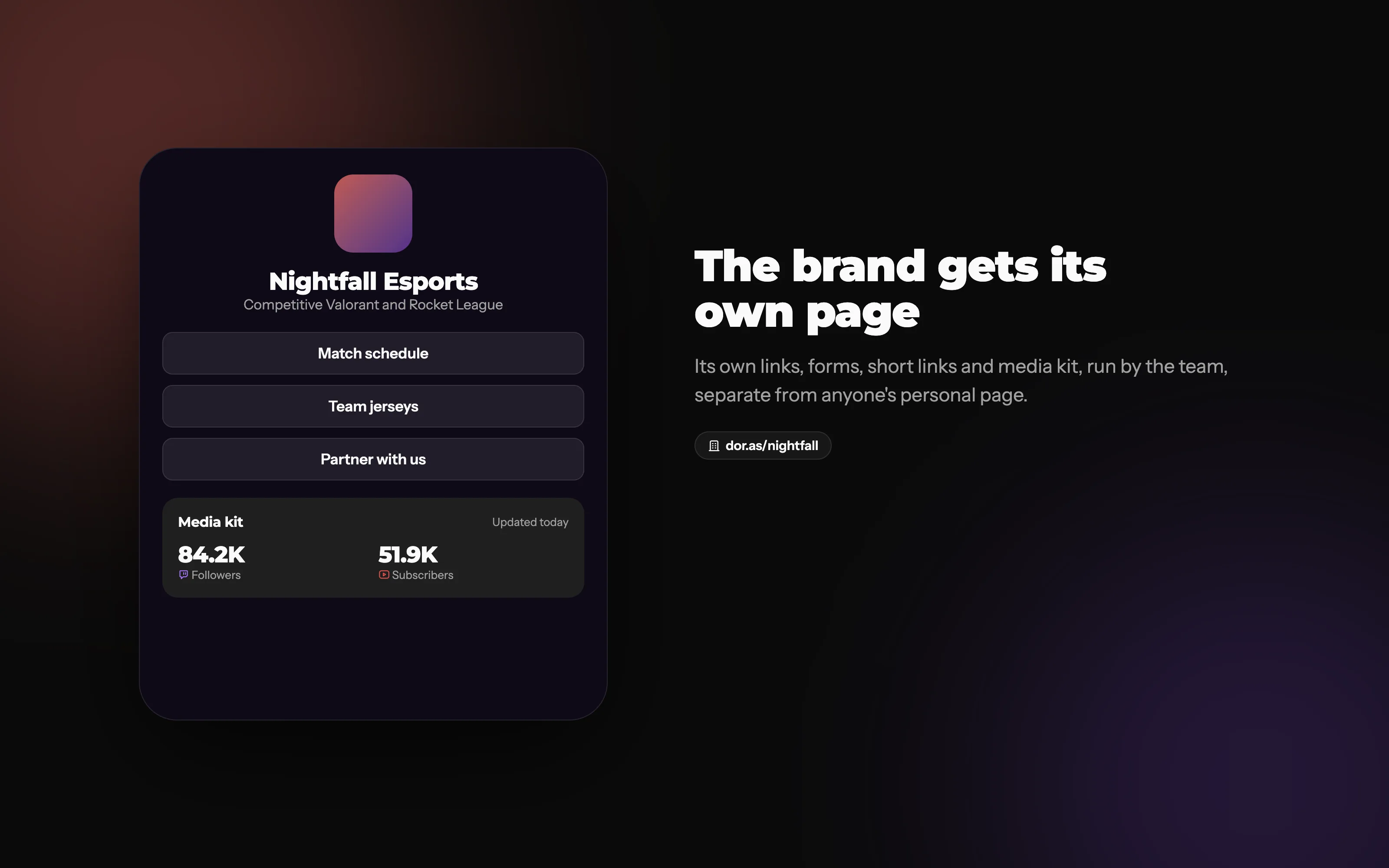
On Doras, that's an organization: its own account with its own pages, links, forms, files and media kit, separate from anyone's personal page.
Its own pages and media kit
The organization gets its own pages, links and media kit, so the brand's page never lives on somebody's personal account.
What an organization gets
What each plan includes
Prices differ for personal and organization accounts. See the pricing page for current plans.
| Feature | Free | Plus | Pro |
|---|---|---|---|
| Members | 3 | 5 | Unlimited |
| Pages | 3 | 10 | Unlimited |
| Blog posts | 5 | Unlimited | Unlimited |
| Media kit platforms | 3 | 10 | Unlimited |
| Short links | 5 | 20 | Unlimited |
| Forms | none | Unlimited | Unlimited |
Frequently asked questions
More from Doras
Give your team a home
Its own pages and media kit, shared by the people who run it.
Get Started