How to add a link in bio on TikTok
Who can add one, the exact steps, why the field might be missing, and how to make that one link count.
Who can add a link to their TikTok bio?
TikTok only shows the Website field in your profile once you meet its requirements. Most guides agree on two ways in:
Reach 1,000 followers on a personal account, or
Switch to a registered business account. TikTok asks for real business details for this, and business accounts can only use the Commercial Music Library, so it isn't the right move for most creators.
TikTok also says links aren't available in every region, and many guides mention an age requirement. If the field isn't there, check the reasons below before switching account types.
Links to your Instagram and YouTube profiles are separate: you can add those any time.
How to add a link to your TikTok bio
Open the TikTok app and go to your Profile. Links can only be edited in the app, not on desktop.
Tap Edit profile.
Tap Links, then Add.
Paste your full link, including https://.
Tap Save. The link appears under your bio and is clickable straight away.
Why can't I see the link option?
You have fewer than 1,000 followers on a personal account.
Your app is out of date. Update it and look again.
You're on desktop. Use the mobile app.
Links aren't available in your region yet.
It's a glitch. Log out and back in.
Are links in captions or comments clickable?
No. A link typed into a caption, or into the bio text itself, is plain text. The Website field is the only clickable link on your profile, which is why what it points to matters.
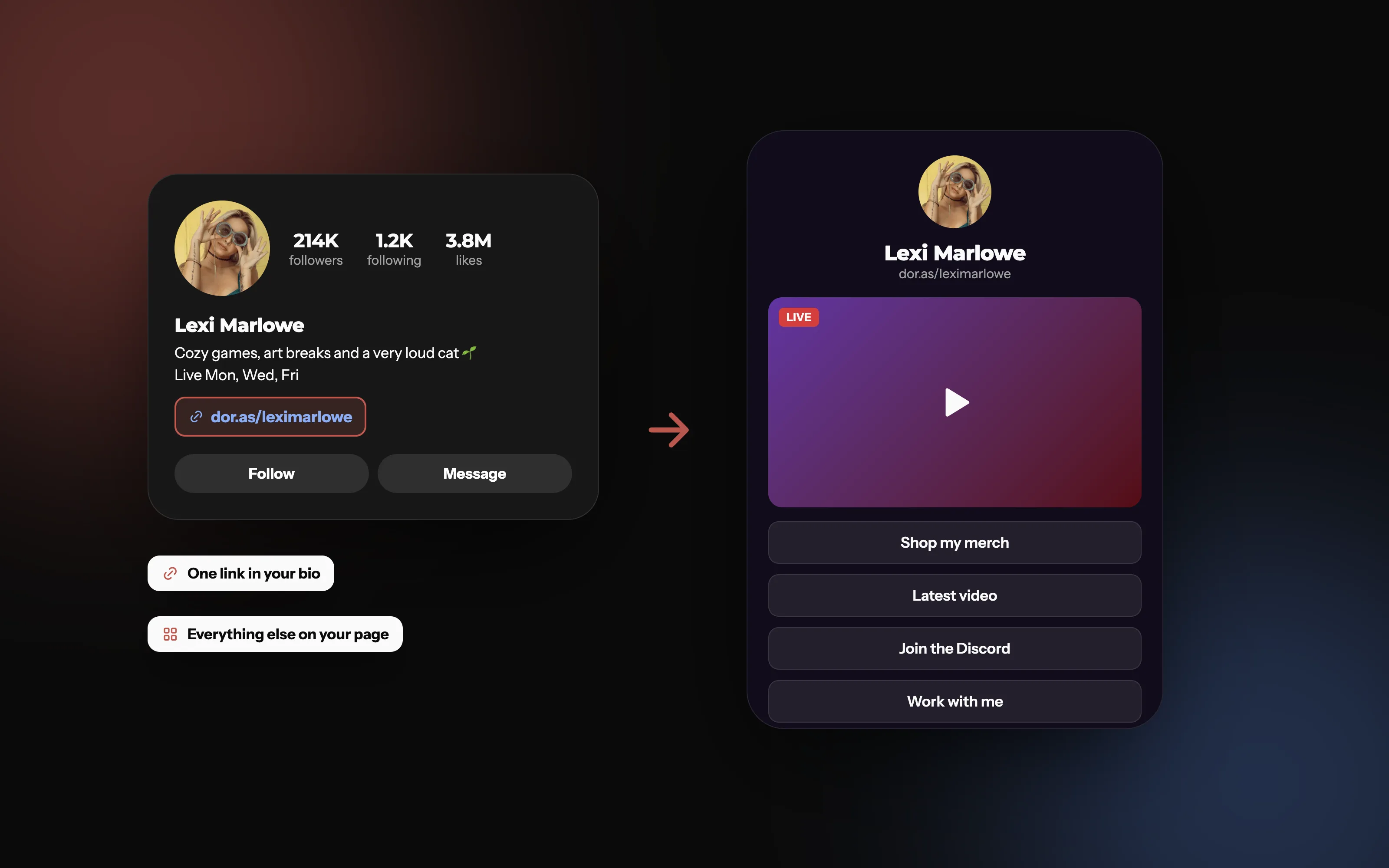
One link in your bio, everything else on your page
Your TikTok bio gets one link. Point it at a page that holds your stream, your latest video, your merch and a way to work with you.
What should your TikTok bio link go to?
With one clickable link, a link in bio page is the usual answer: one page with everything you want people to find. What works best on TikTok:
Your latest video or stream, for viewers who just found you.
Your other platforms, so TikTok followers can find you on YouTube or Twitch.
Merch or a shop, if you sell anything.
A way to contact you for brand deals, so sponsors don't have to dig through your DMs.
Tips
Mention it in your videos. "Link in my bio" works because people know to look there.
Keep the top of the page fresh. Put whatever you're promoting this week first.
Use a link you can update. Change what's on your page instead of editing your TikTok profile every time.
On Doras, your page lives at dor.as/yourname and can show your live stream, your latest video, your media kit and a contact form. It's free to start.
Frequently asked questions
More from Doras
Make your one link count
A free page for everything you make, at dor.as/yourname.
Get Started