How to add a link in bio on Instagram
Add up to five links to your profile, learn where else links work on Instagram, and decide when one link is better than five.
How many links can you add to your Instagram bio?
Every Instagram account, personal, creator or business, can add up to five links to its profile. Instagram shows the first one on your profile with "and 4 more", and visitors tap it to see the rest. There's no follower requirement.
How to add a link to your Instagram bio
Open the Instagram app and go to your profile. Links are edited in the app, not on the web.
Tap Edit profile.
Tap Links, then Add external link.
Paste the URL and, optionally, give it a title so people know where it goes.
Tap Done. Add more links the same way and drag them to change the order.
To remove one, go back to Edit profile → Links, tap the link and choose Remove link.
Where can you add clickable links on Instagram?
Your bio is the only place every account can put a permanent, clickable link.
| Feature | Bio links | Story link sticker | Post captions |
|---|---|---|---|
| Clickable | |||
| Available to every account | |||
| Stays up | 24 hours | ||
| How many | Up to 5 | One per sticker | Not clickable |
Five links, or one that holds everything
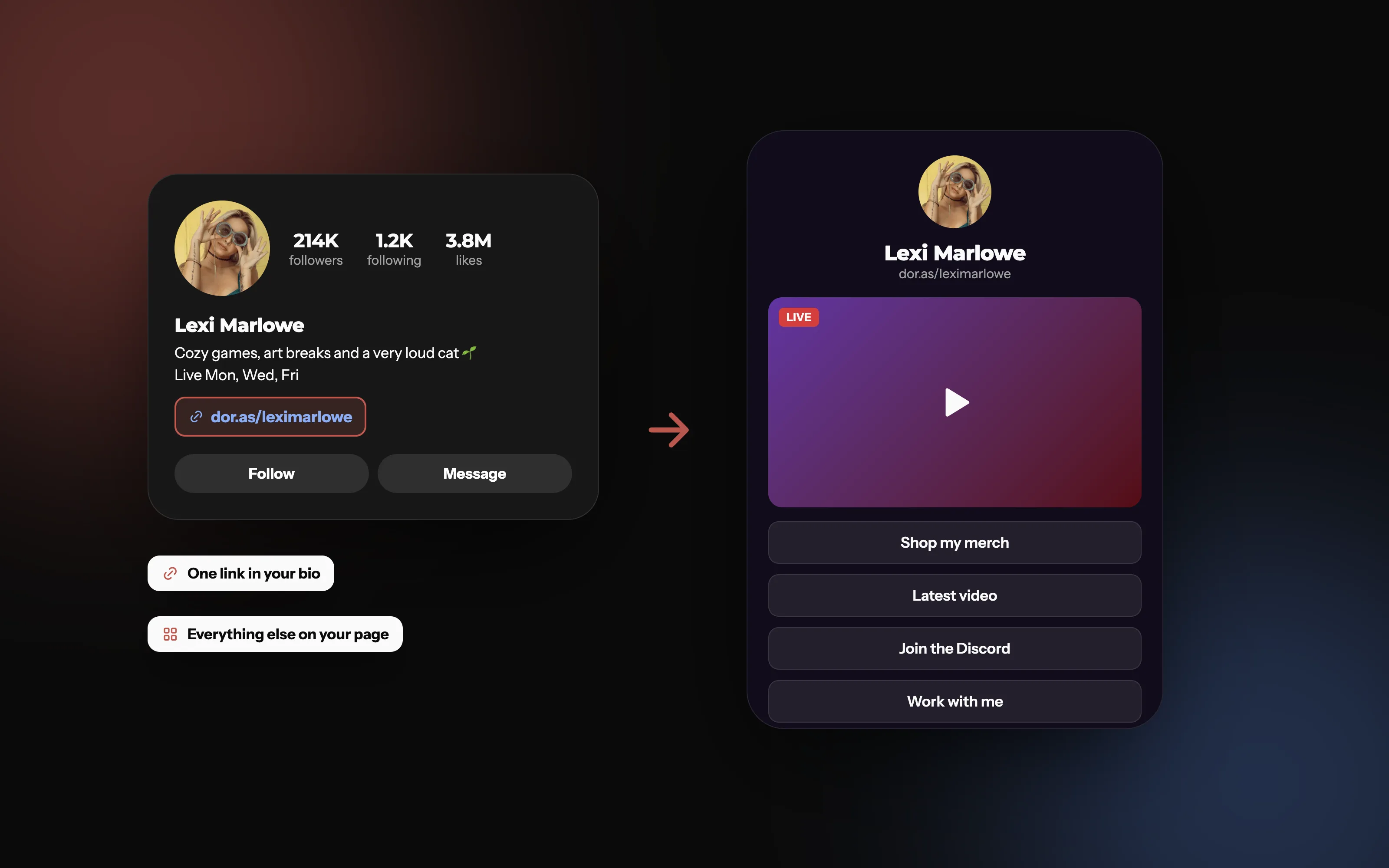
Five links fill up fast. A link in bio page keeps your profile clean and puts your stream, videos, merch and contact details in one place.
Should you use five links or one link in bio page?
Five links are fine if you only ever share a few things. A link in bio page is better when you:
Share more than five things, like streams, videos, a shop, a newsletter and a contact form.
Change things often. Update your page once instead of editing your profile every week.
Want to know what gets clicked. Instagram doesn't tell you which bio link people tap.
Post on other platforms too. The same link works in your TikTok, YouTube and Twitch bios.
Tips
Give each link a clear title, or one clear page, so people know what they'll get.
Use Story link stickers for what's new, and your bio for what's always there.
Say "link in bio" in captions, since caption links aren't clickable.
On Doras your page lives at dor.as/yourname, shows which blocks get clicked, and can embed your live stream, latest video and media kit. It's free to start.
Frequently asked questions
More from Doras
One link for every platform
A free page for everything you make, with stats for every click.
Get Started